

 Features


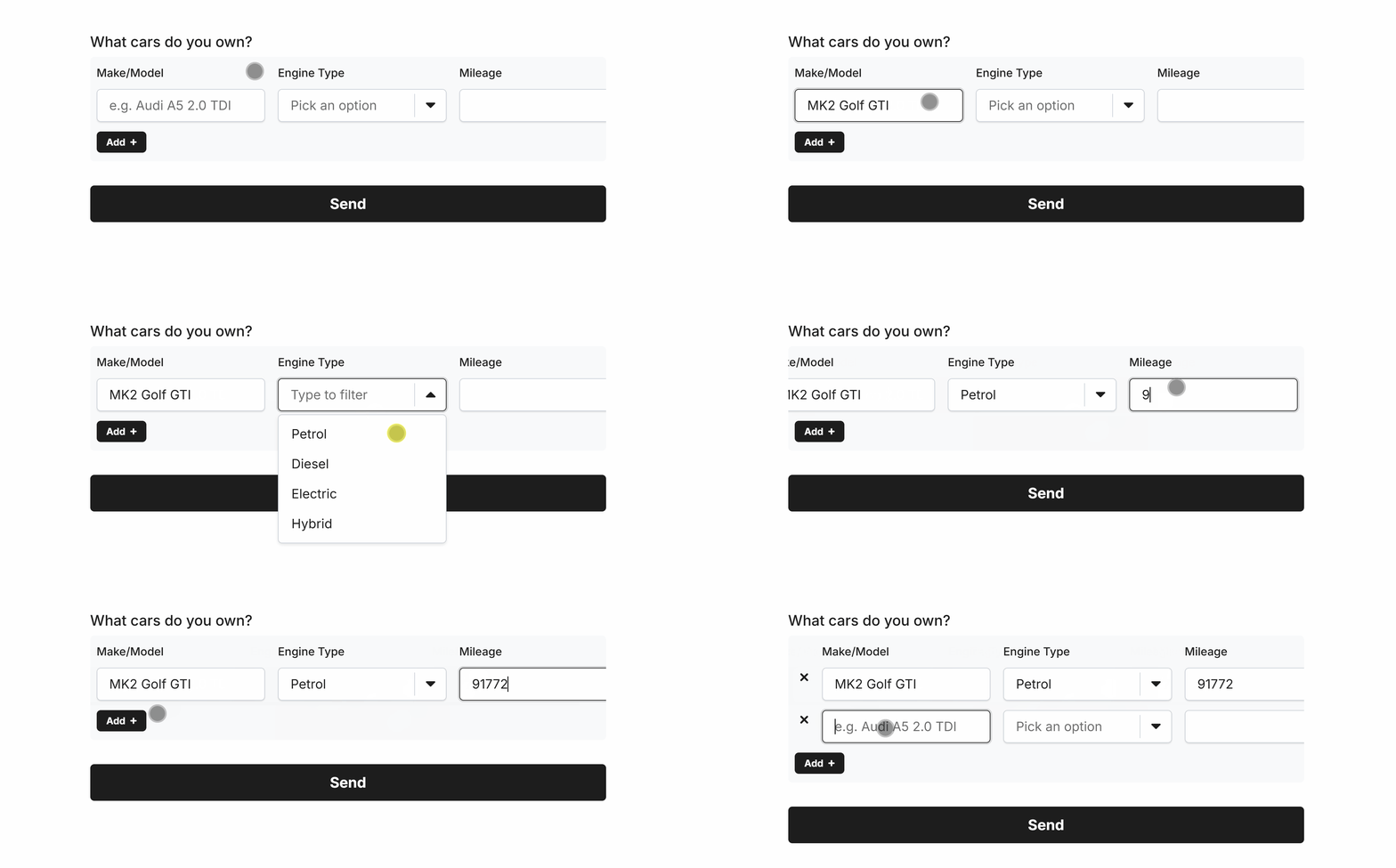
Use the Table field to capture rows of dynamic and repeatable data.
The Table field supports many fields as column data types, with lots of fine-tuned configuration options to enhance data integrity:
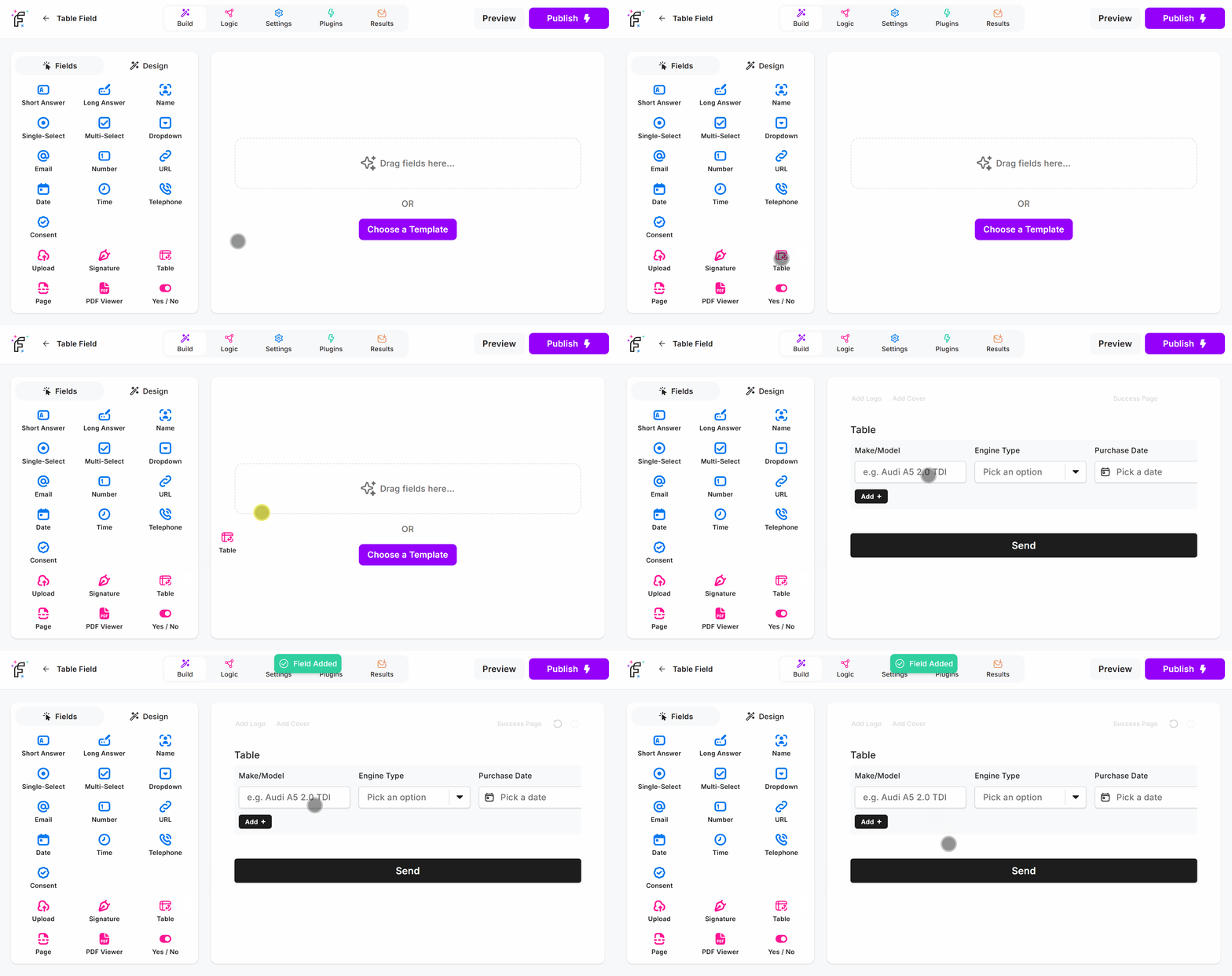
Table Field Demo
Add the Table field and hit Preview or Publish:
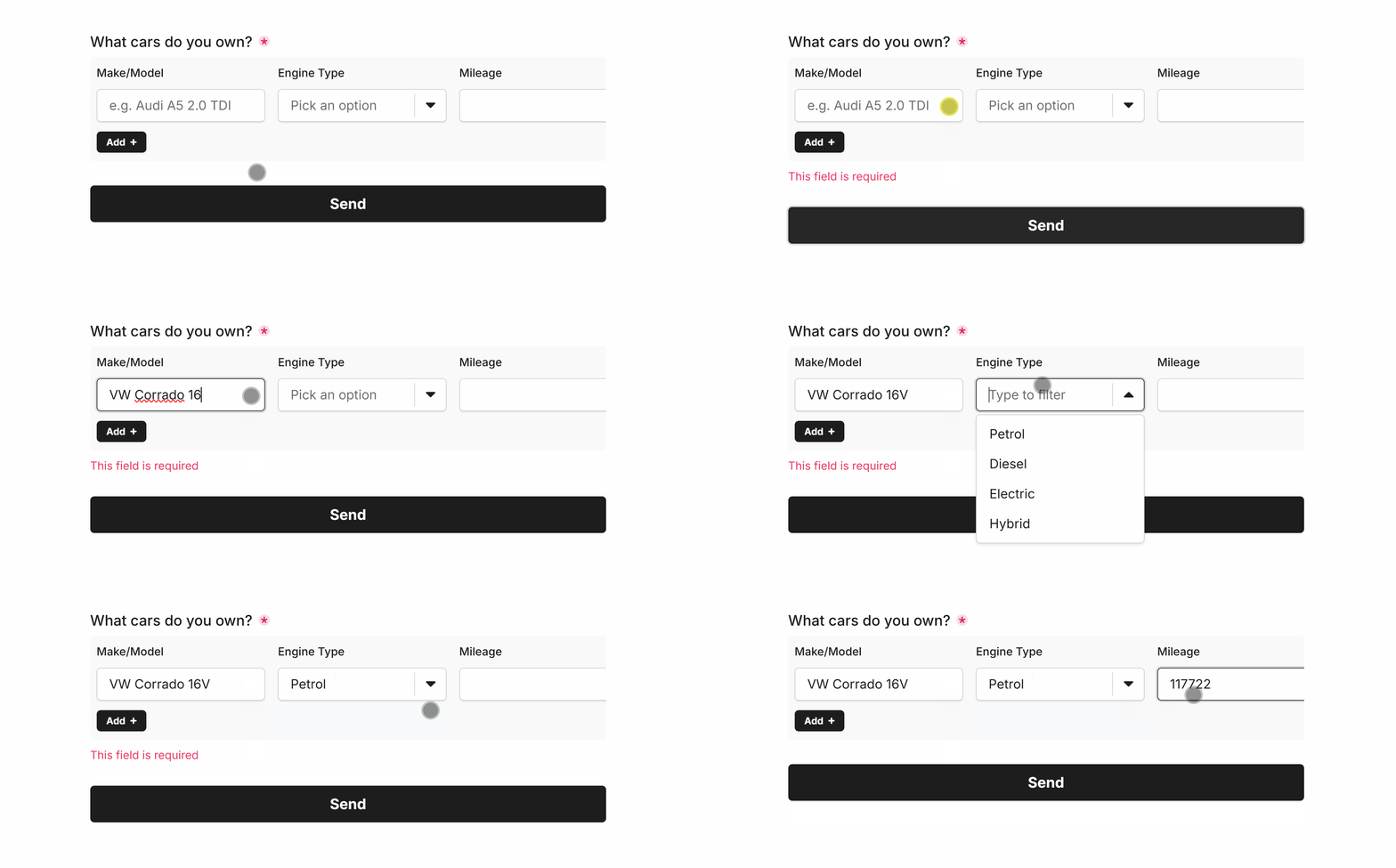
Required Table
Easily make Table required via Smart Validation to ensure the field is always filled out:
Minimum Rows
Enforce a minimum number of rows to be completed before the user can proceed with the form:
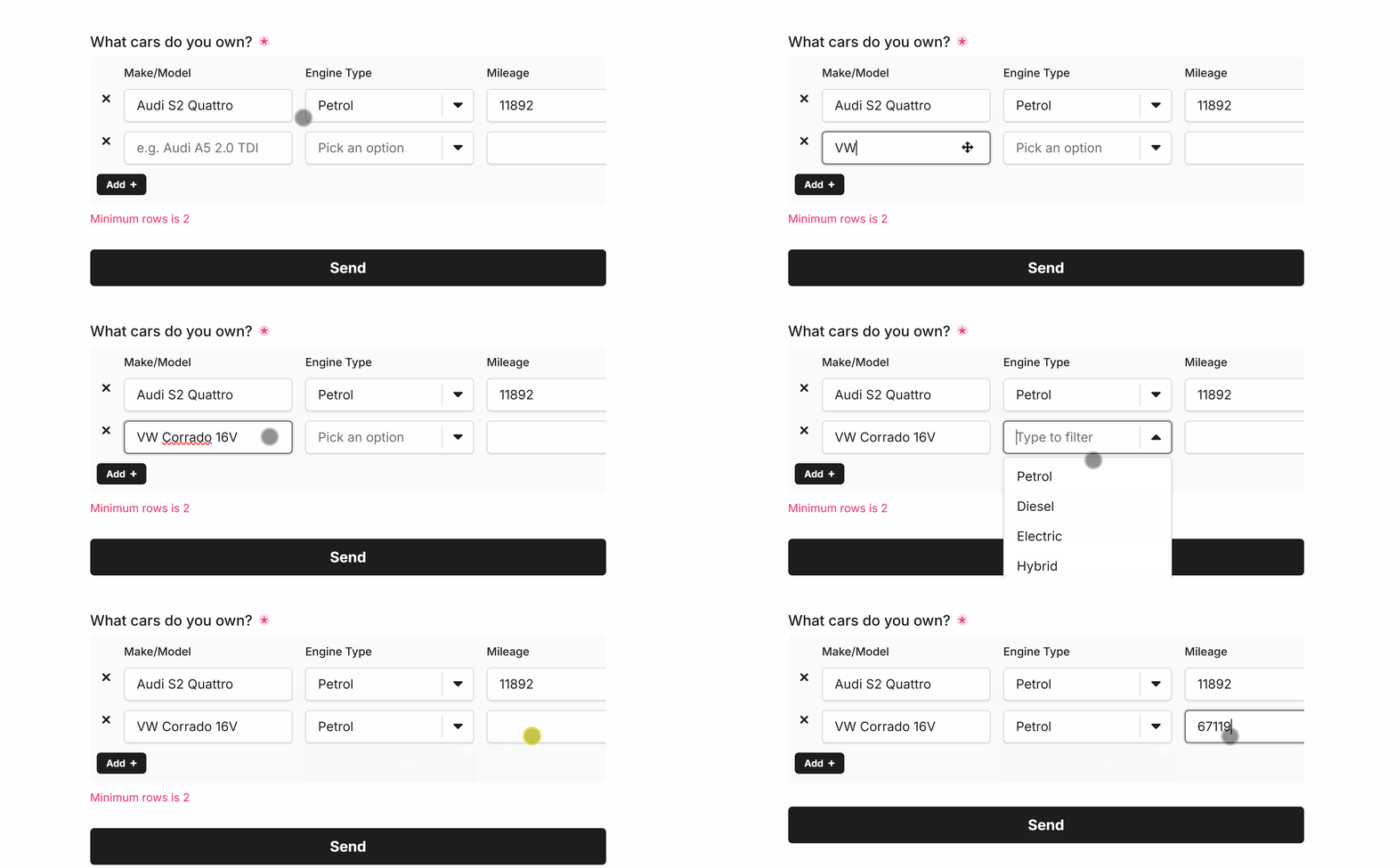 Minimum rows of ‘2’
Maximum Rows
Enforce a maximum number of rows that can be added by the user before the Add button vanishes:
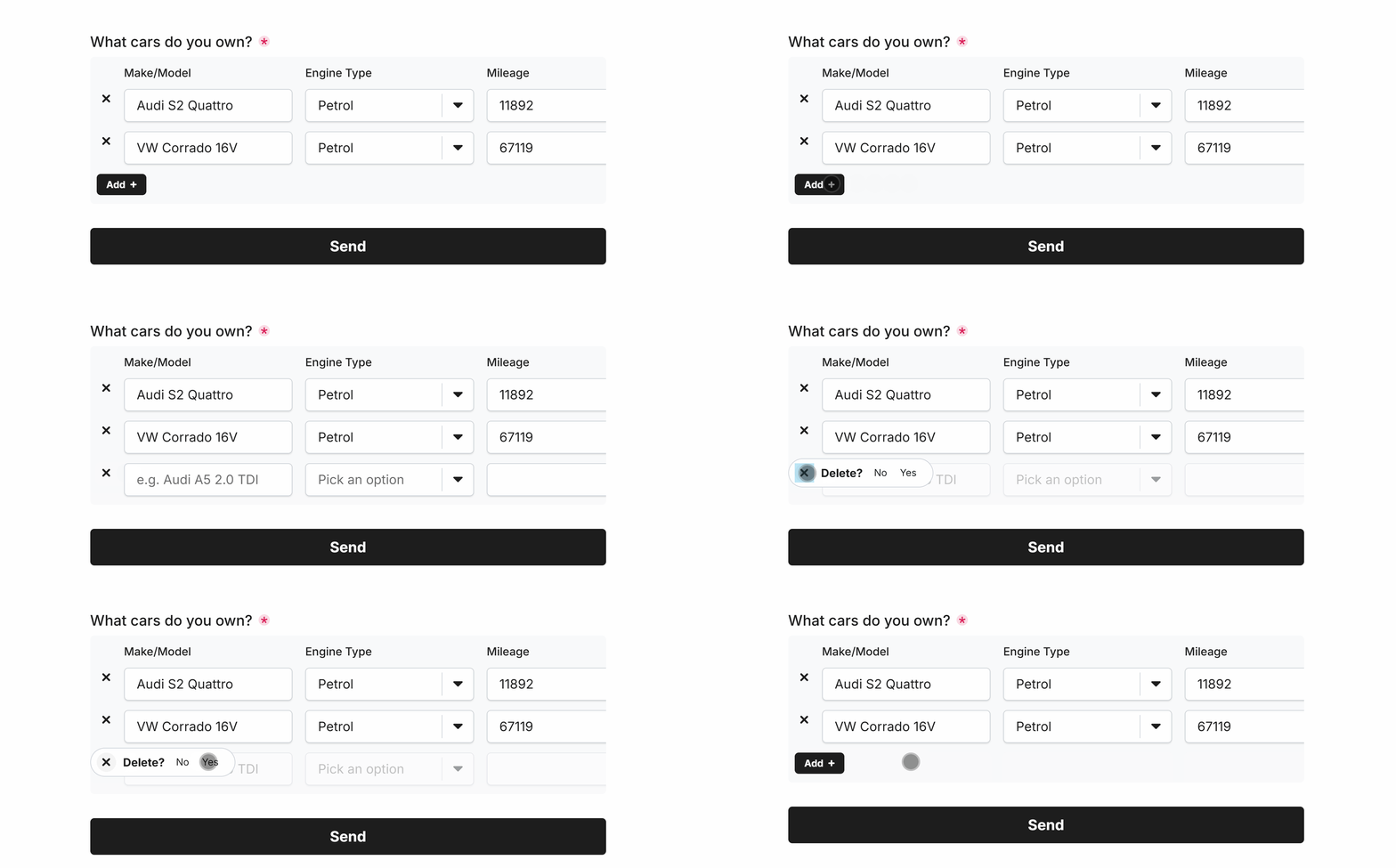 Maximum rows of ‘3’
Specific Options
Configuration options specific to this field:
Questions | Columns of questions and their data types to capture. |
Min Rows | Enforces a minimum number of rows for this field. |
Max Rows | Enforces a maximum number of rows for this field. |
Common Options
Available on most fields, including this one:
Label | A short description of the field |
Description | An optional longer description of the field |
Required | Enforces the field to be filled in, displays an error if not |
Custom Name | Every field has a unique hidden "name" that can be customized |
