

Table
ProCollect dynamic rows of data in multiple formats.
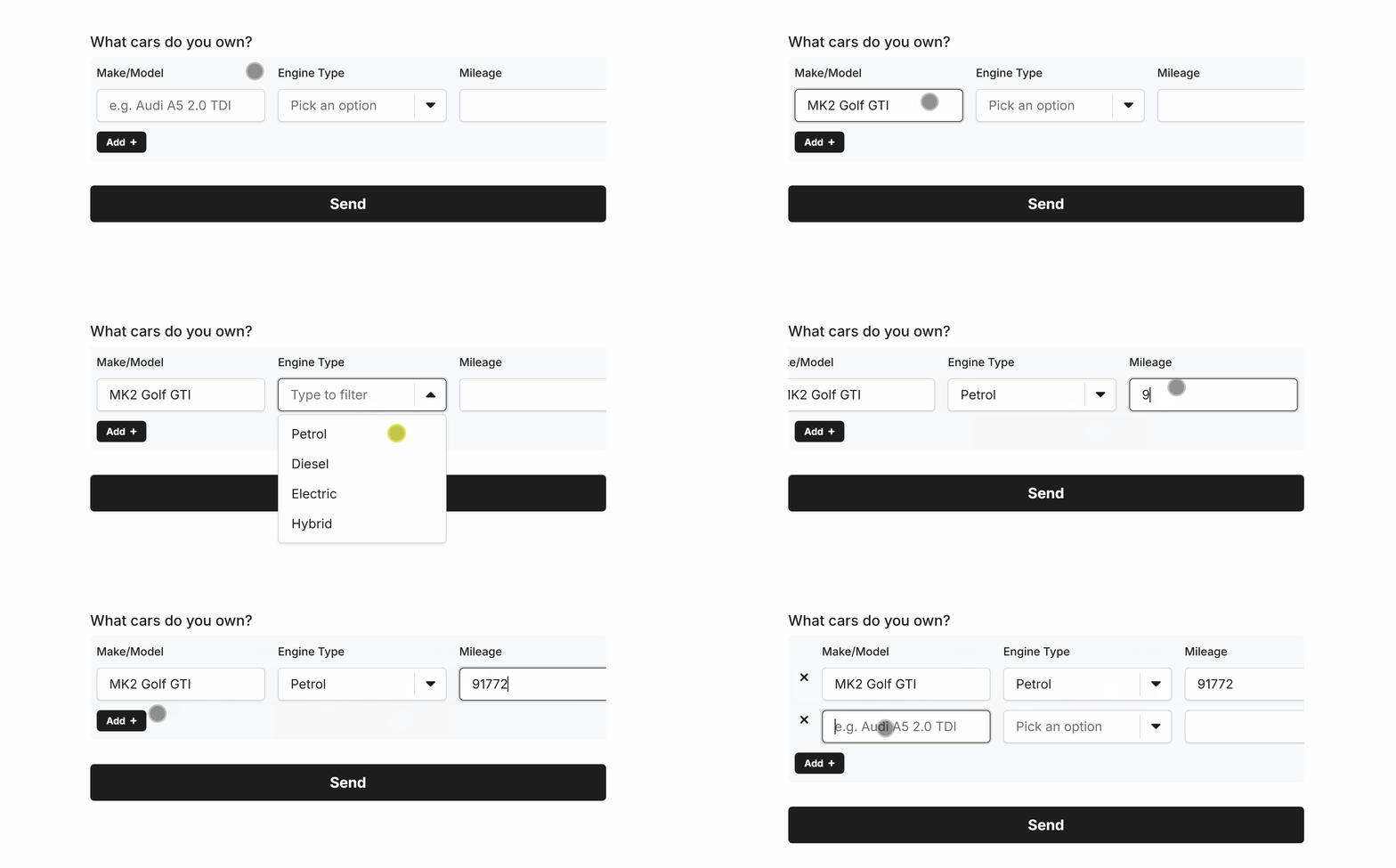
Use the Table field to capture rows of dynamic and repeatable data.
The Table field supports many fields as column data types, with lots of fine-tuned configuration options to enhance data integrity:
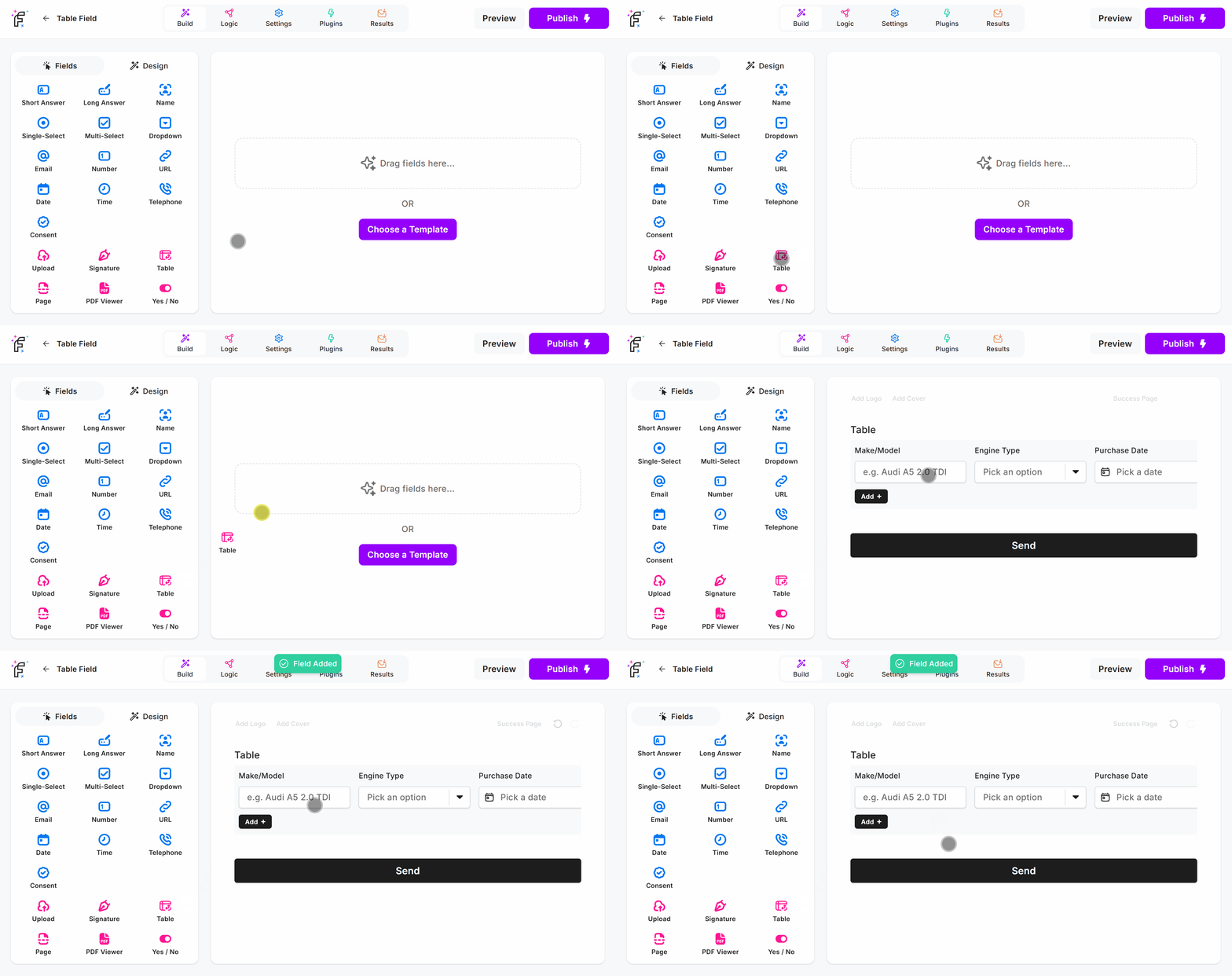
Table Field Demo
Add the Table field and hit Preview or Publish:
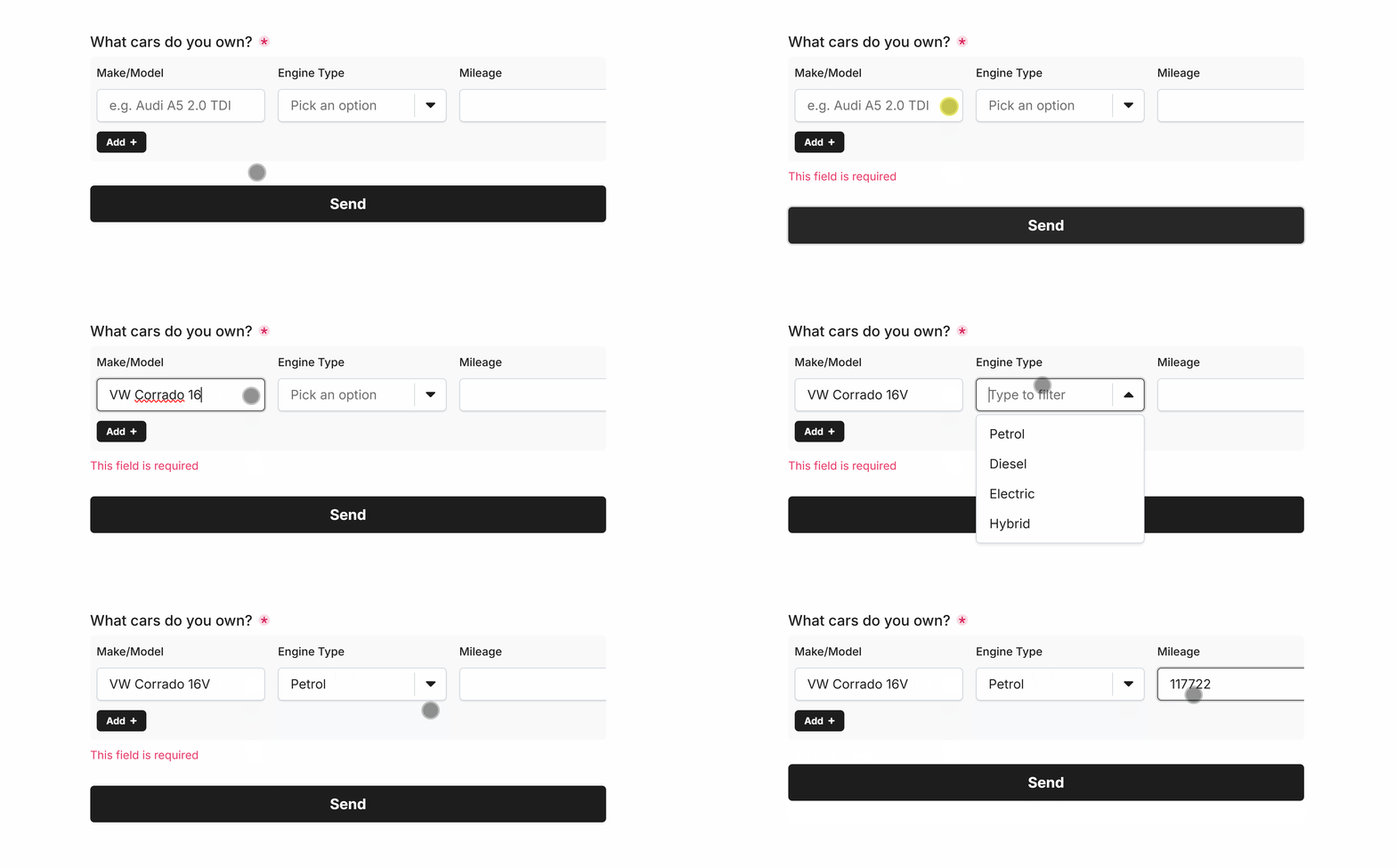
Required Table
Easily make Table required via Smart Validation to ensure the field is always filled out:
Minimum Rows
Enforce a minimum number of rows to be completed before the user can proceed with the form:
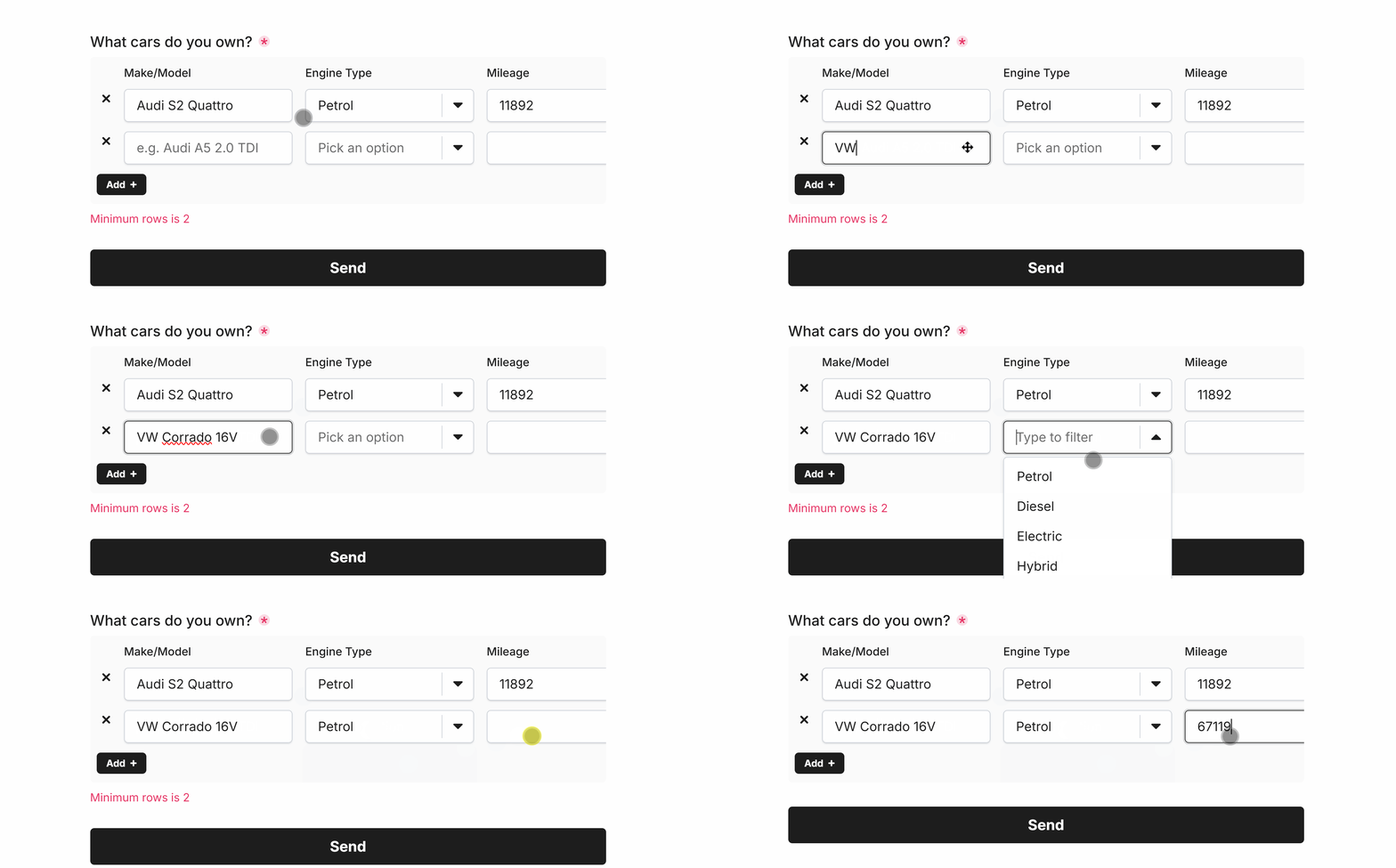 Minimum rows of ‘2’
Maximum Rows
Enforce a maximum number of rows that can be added by the user before the Add button vanishes:
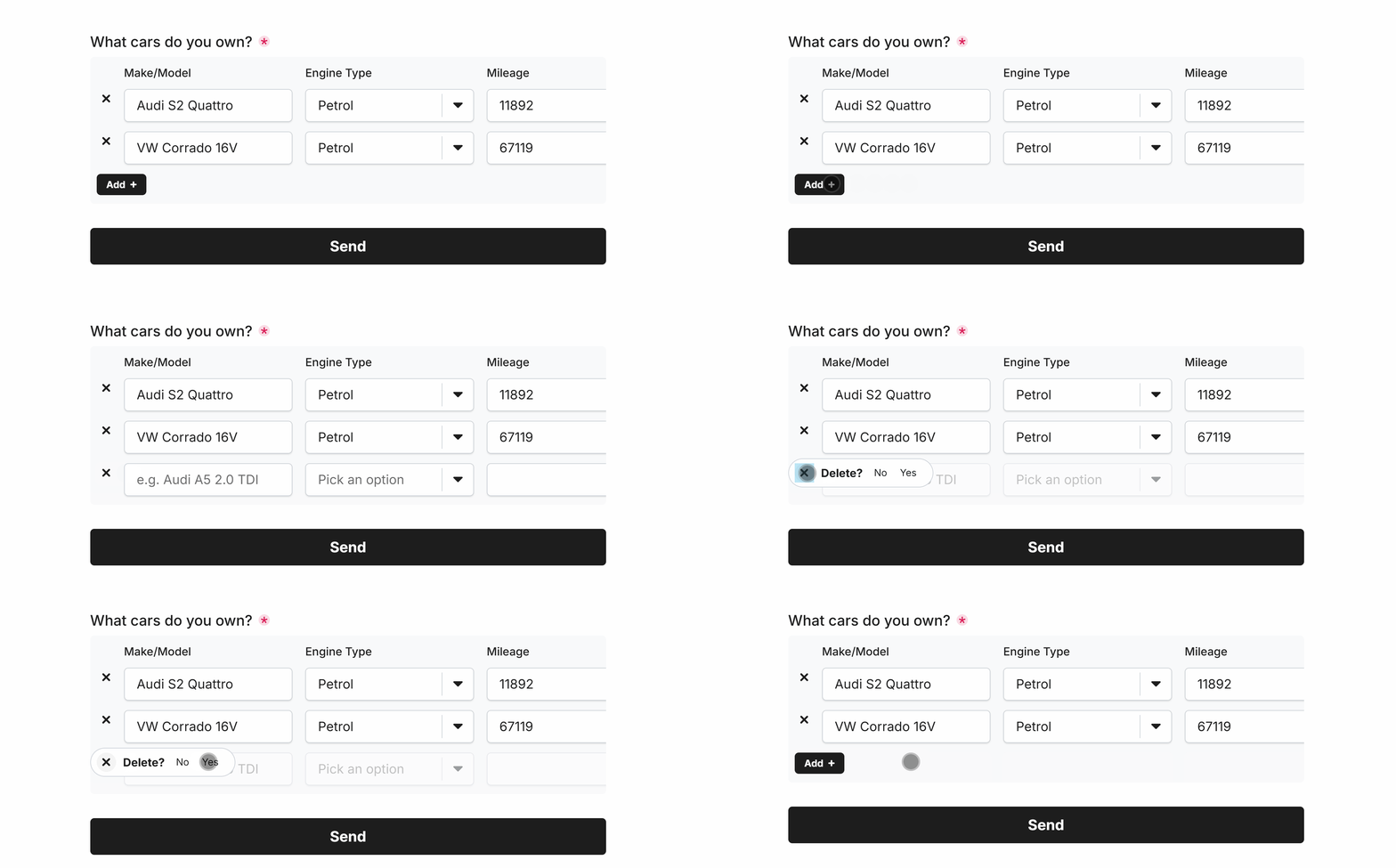 Maximum rows of ‘3’
Specific Options
Configuration options specific to this field:
Questions | Columns of questions and their data types to capture |
Min Rows | Enforces a minimum number of rows for this field |
Max Rows | Enforces a maximum number of rows for this field |
Common Options
Available on most fields, including this one:
Label | A short description of the field |
Description | An optional longer description of the field |
Required | Enforces the field to be filled in, displays an error if not |
Custom Name | Every field has a unique hidden "name" that can be customized |
