

 Features


Use the URL field to capture a valid URL, with optionally enforcing https URLs only.
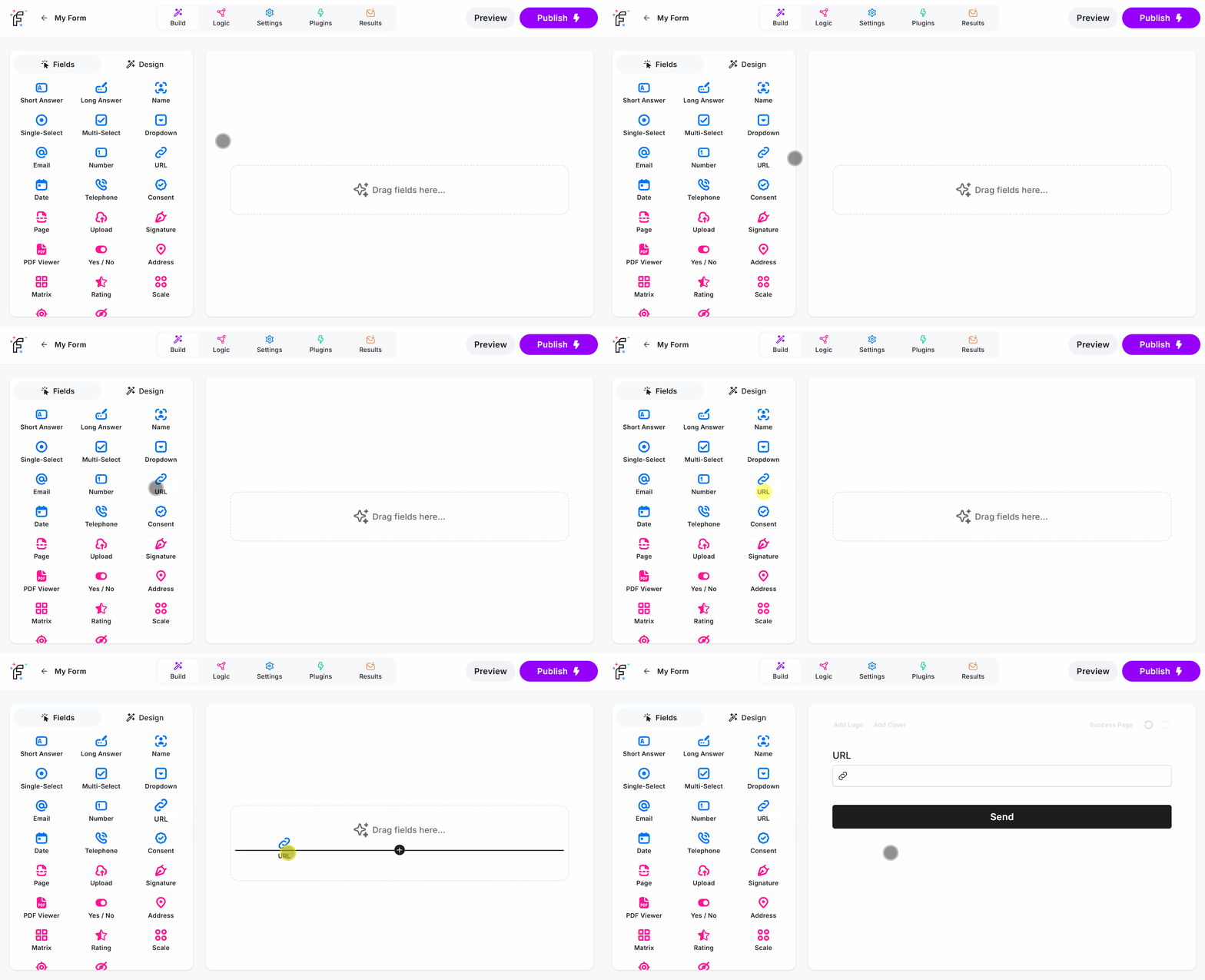
URL Field Demo
Add the URL field and hit Preview or Publish:
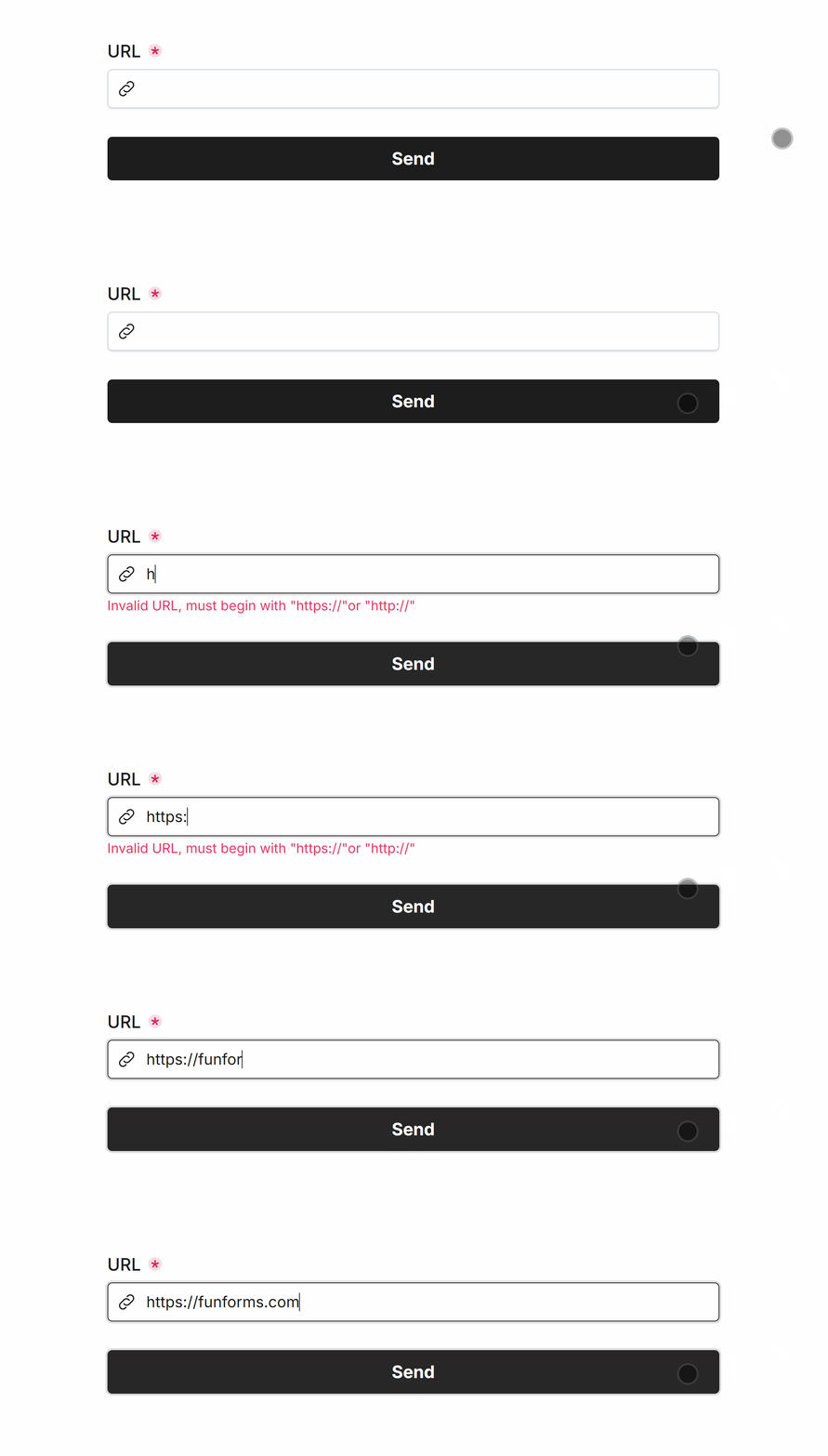
Required URL
Easily make URL required via Smart Validation to ensure the field is always filled out:
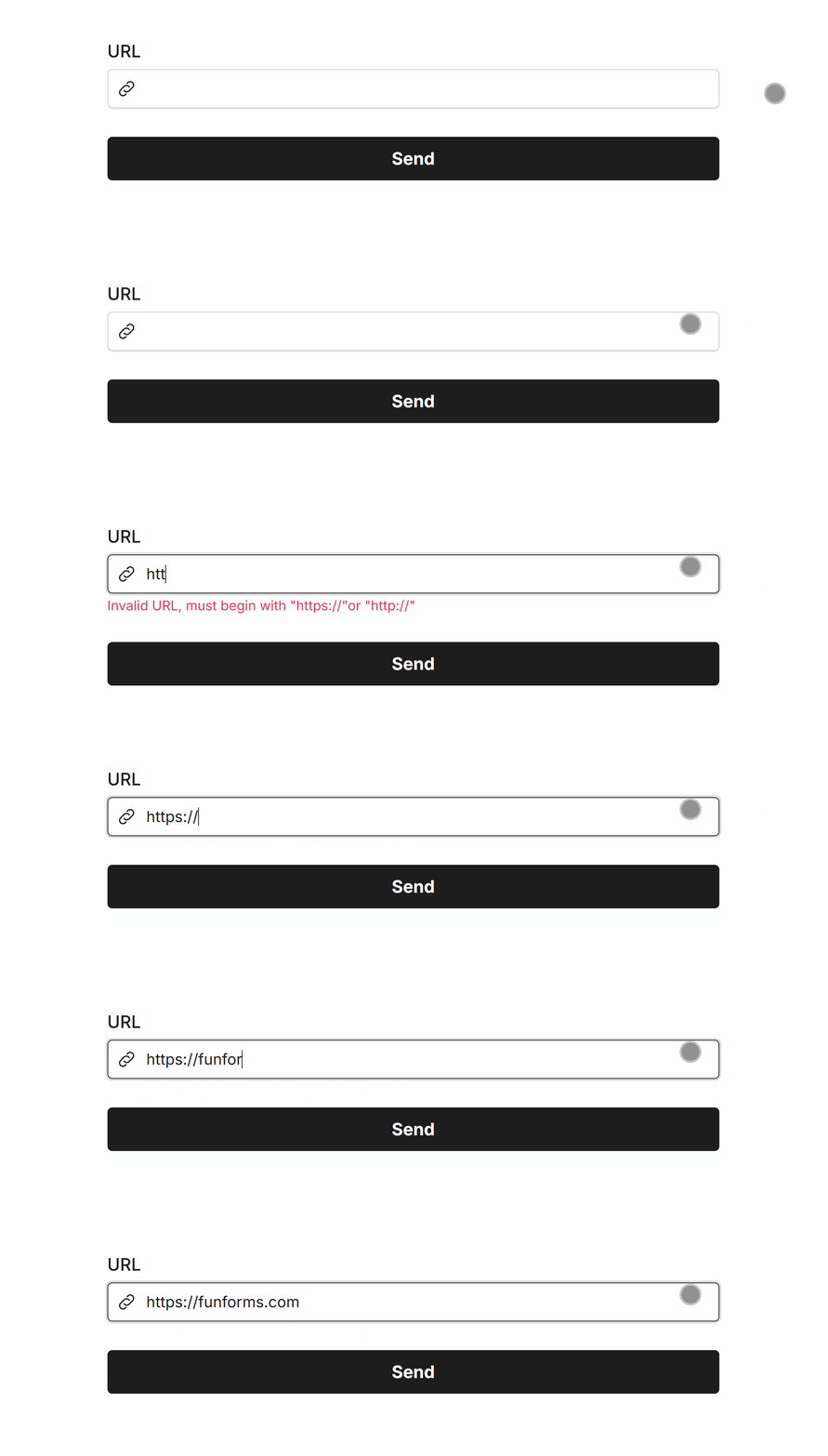
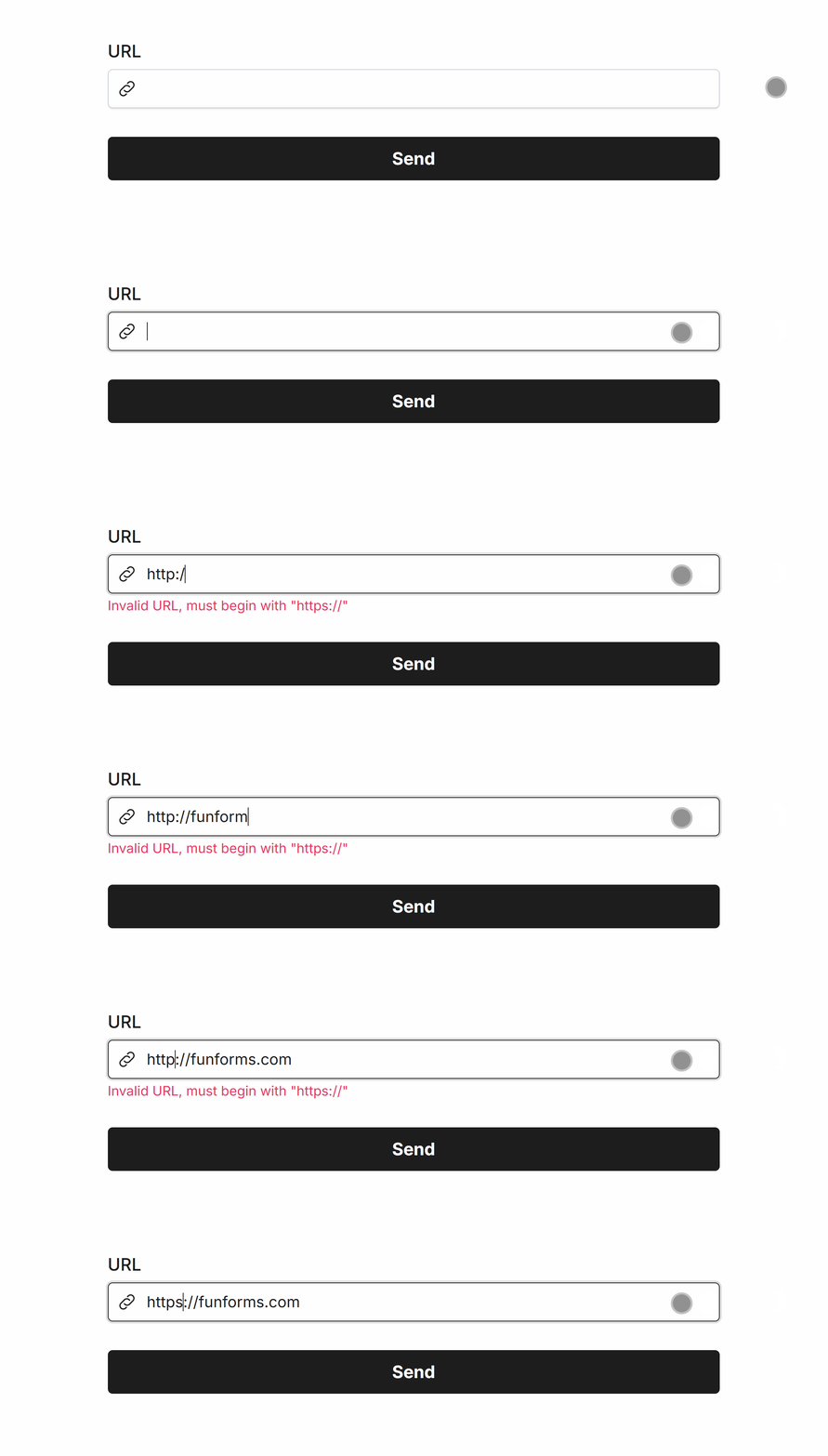
The URL field automatically provides Smart Validation to ensure all URLs begin with https:// and optionally http:// as well:
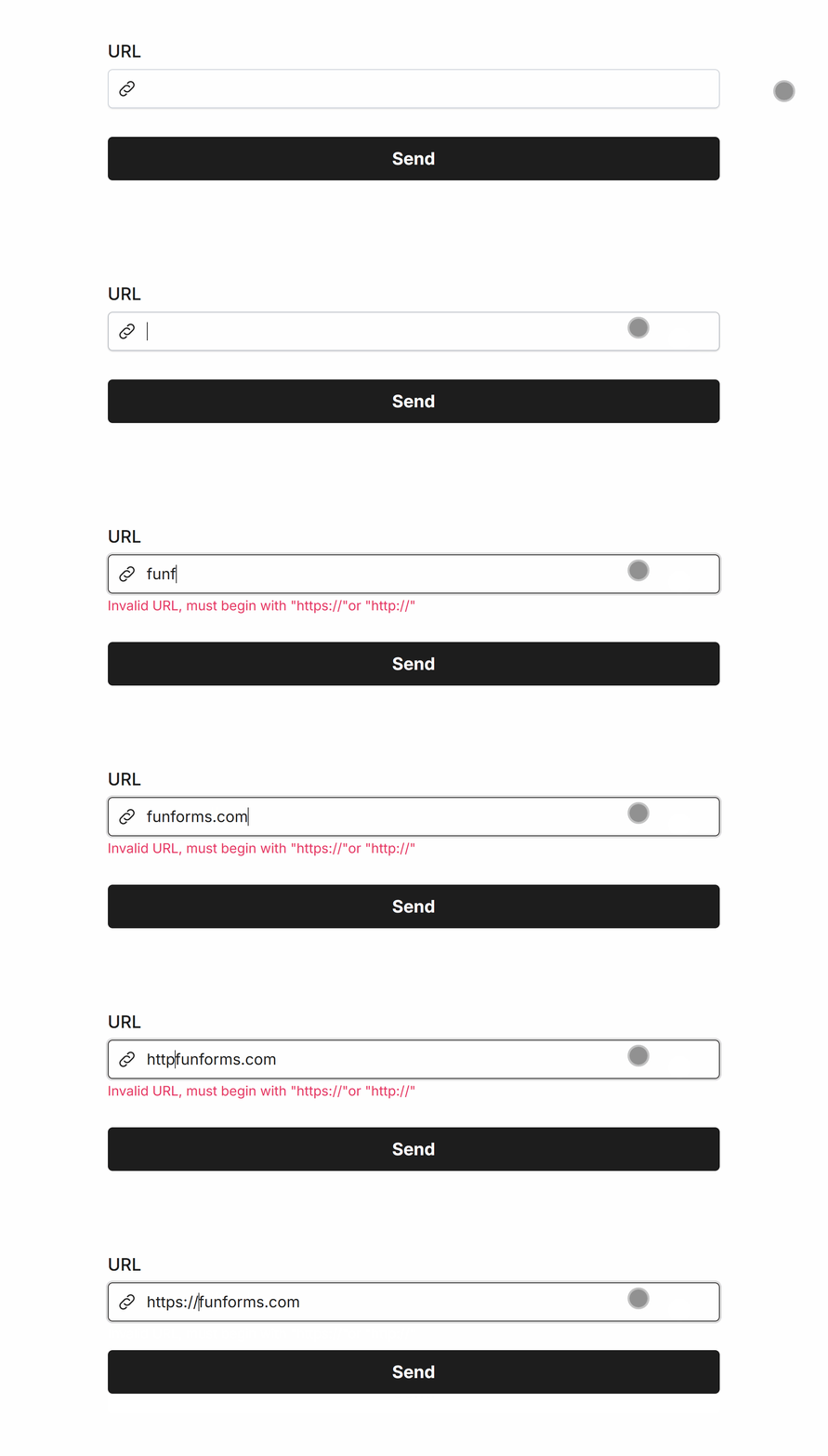
Enforce HTTPS URLs
You can configure allowing https:// only URLs as well within the URL field settings, which will disallow http:// prefixed URLs:
Common Options
Available on most fields, including this one:
Label | A short description of the field |
Description | An optional longer description of the field |
Required | Enforces the field to be filled in, displays an error if not |
Default Value | Set a default value for the field |
Placeholder | A helpful hint inside the field, e.g. Enter your name |
Read-Only | Locks a field so it cannot be edited, useful when combined with Default Value |
Custom Name | Every field has a unique hidden "name" that can be customized |
