

 Features


Every form you create automatically generates a QR Code available for one-click download.
The QR Code takes users directly to that form where they can fill it in.
To download your form’s QR Code, simply visit the Settings tab and click the QR Code and it will download instantly:

Print it off, share it, and it’ll take users to your form fast - from anywhere in the world.
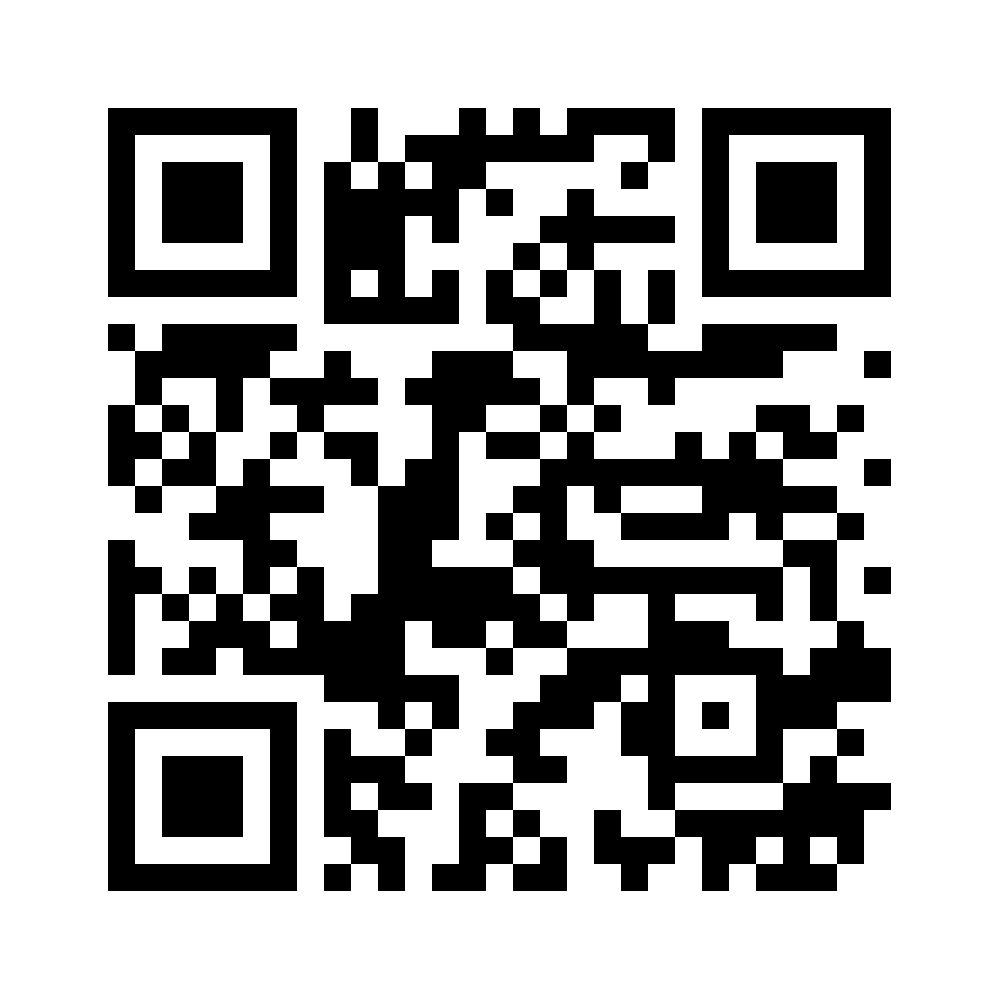
Each QR Code is a .png file with dimensions of 1000x1000 pixels, so it’s large enough to print anywhere.