1. Templates
  2. Consulting
  3. Management & Strategy
  4. Client Intake Form

Client Intake Form

Onboard consulting clients with the essentials — company, the challenge, services needed and timeline — before the first session.

Description

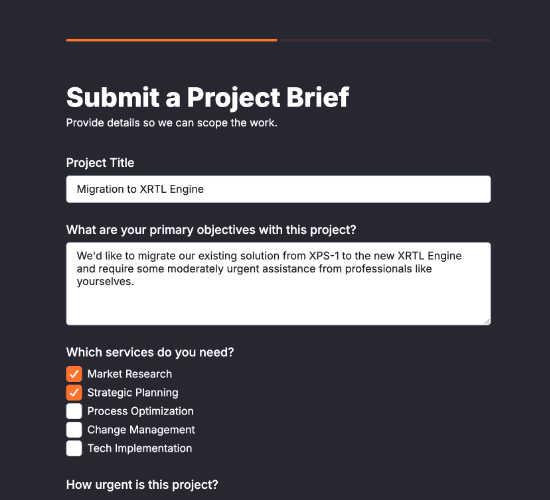
A client intake form gives a consulting firm the full picture of a new client before the first session. Rather than piecing it together over calls, you capture who they are, the challenge they want help with, the services they need and when they want to start — everything needed to prepare and hit the ground running.

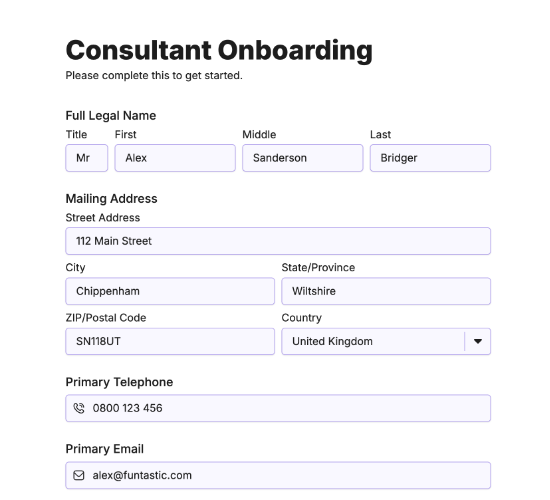
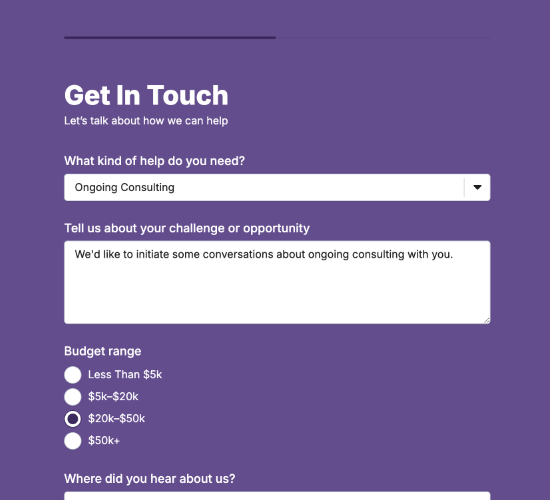
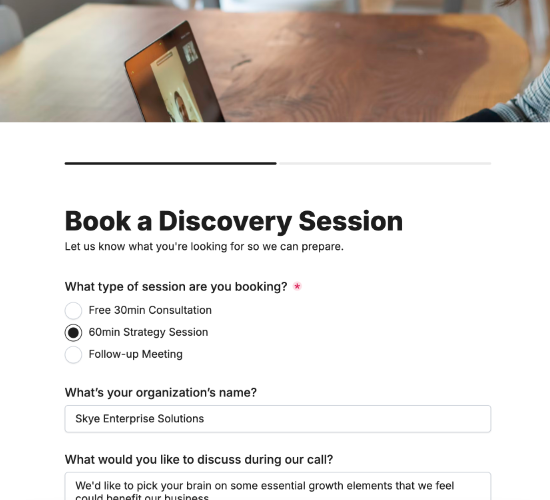
It collects the company name, address and the contact’s role, a description of the challenge or goal, and the consulting areas they need help in. Whether they’ve worked with a consulting firm before, their ideal start date and preferred contact method complete a brief you can act on immediately.

Customize the service areas and fields to match your practice, restyle it in your brand colors, and embed it on your site so clients arrive fully briefed.

Form fields

Everything the Client Intake Form above collects — 11 fields, so you can see exactly what it captures before you make it your own.

Consulting Client Intake

  • Company Name

    Short Answer Icon
    Short Answer
  • Company Address

    Short Answer Icon
    Short Answer
  • Your Role at the Company

    Short Answer Icon
    Short Answer
  • Briefly describe the challenge or goal you'd like help with

    Long Answer Icon
    Long Answer
  • Which area(s) do you need consulting in?

    Short Answer Icon
    Short Answer
  • Please specify another service:

    Short Answer Icon
    Short Answer
  • Have you worked with a consulting firm before?

    Yes/No Icon
    Yes/No
  • Ideal date to start the project

    Date Icon
    Date
  • Preferred contact method

    Multi-Select Icon
    Multi-Select
  • Email

    Email Icon
    Email
  • Telephone

    Telephone Icon
    Telephone
Use Template Arrow Right Icon

Template FAQs

Common questions about the Client Intake Form — what it captures, when to use it, and how to make it your own.

What is a client intake form?

It’s a form consulting firms use to capture a new client’s details before starting. It records the company, the challenge they need help with, the services required and their timeline, so the first session is spent on solving rather than fact-finding.

What does the form collect?

The company name, address and the contact’s role, a description of the challenge or goal, and the consulting areas they need help in. Whether they’ve worked with a consulting firm before, their ideal start date and preferred contact method complete it.

When should a client complete it?

At the start of the engagement, before your first working session. Capturing the challenge, scope and timeline up front means you arrive prepared with an approach in mind, so that first meeting advances the work rather than gathering the basics.

Who is this form for?

Consulting firms and advisers taking on new clients, and the clients being onboarded. It suits any practice that wants a thorough, consistent brief from every client, so no engagement starts on guesswork or a scattered set of introductory emails.

Why ask if they’ve worked with a consultant before?

A client’s history with consultants shapes their expectations — good or bad. Knowing whether they’ve been through it before, and how it went, helps you set the right tone, avoid past frustrations, and reassure a client who may have been burned that this will be different.

Is this form free to use?

Yes — it’s free. Create a Fun Forms account, customize the service areas and fields to match your practice, restyle it to your brand, and embed it on your website with no coding. New client briefs then arrive complete, ready to work from.