Create & Publish
 35+ Form Fields
Build the perfect form in a few clicks and drags.
 Conditional Logic
Build forms that adapt to each user's answers.
 E-Signatures
Collect digital signatures directly in your forms.
 Share Form Links
Each form you create generates a unique URL for easy sharing.
 Embed Your Form
Embed your form anywhere that supports HTML.
 Live Preview
Preview and test your form as you build it, without affecting your live form.
 Offline Recovery
Automatically restore form data after connection loss or page refresh.
Branding & Personalization
 70+ Theme Library
Start with a beautiful theme, then make it completely your own.
 Custom Themes
Fully customize your form's design and reuse it across all your forms.
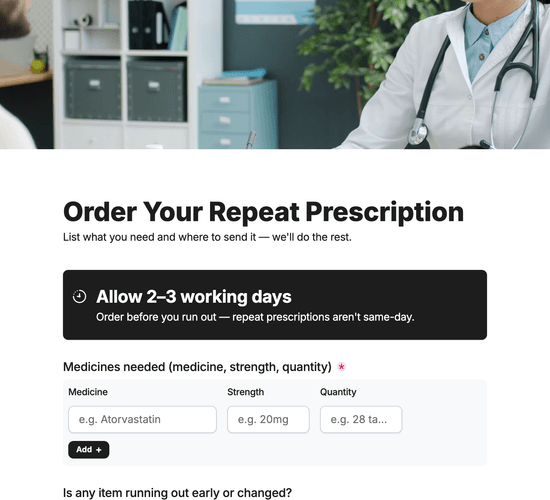
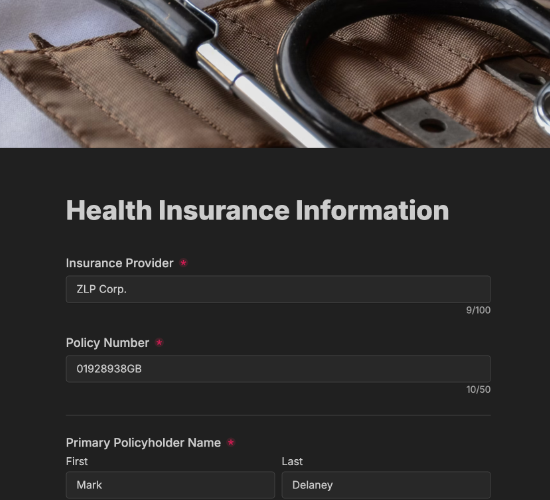
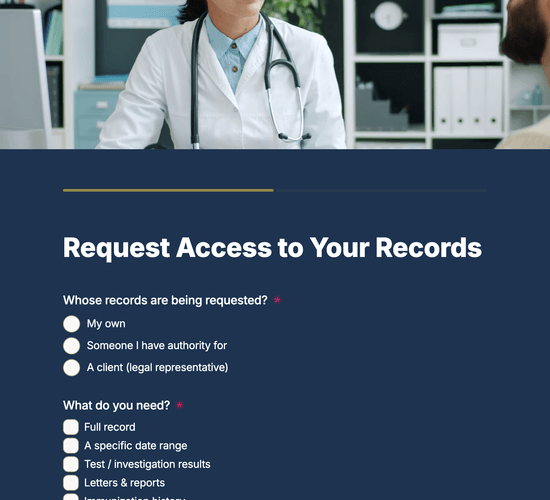
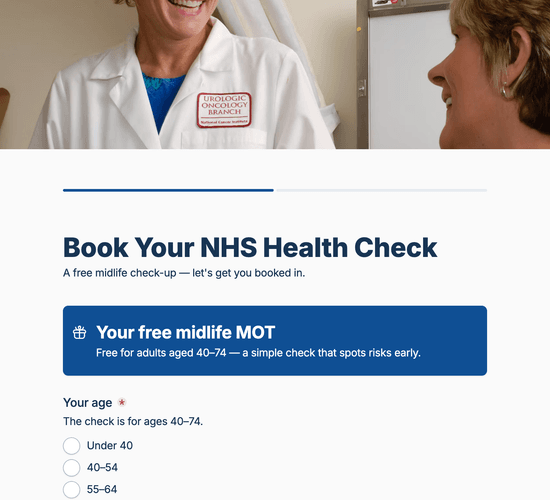
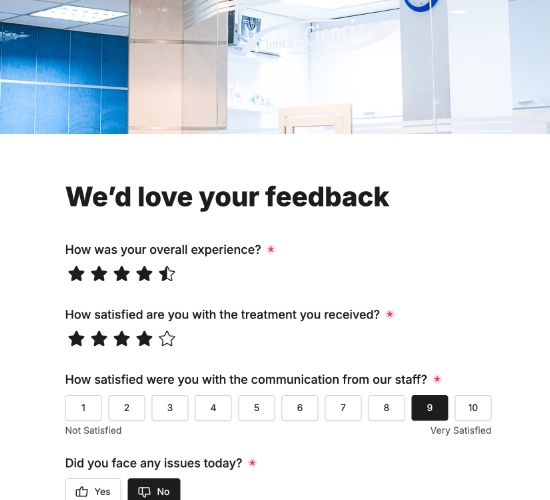
 Cover Photo
Add a custom cover photo or color to the top of your form.
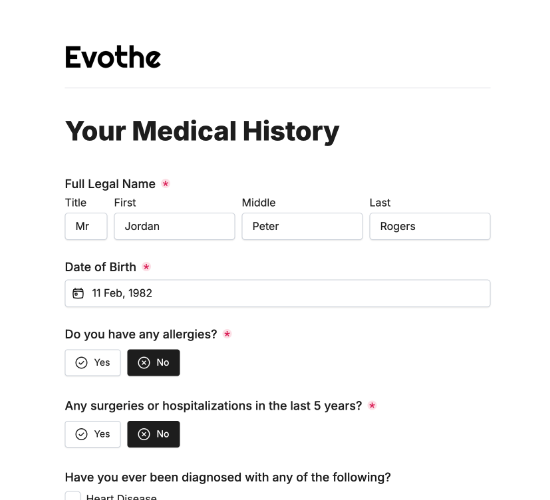
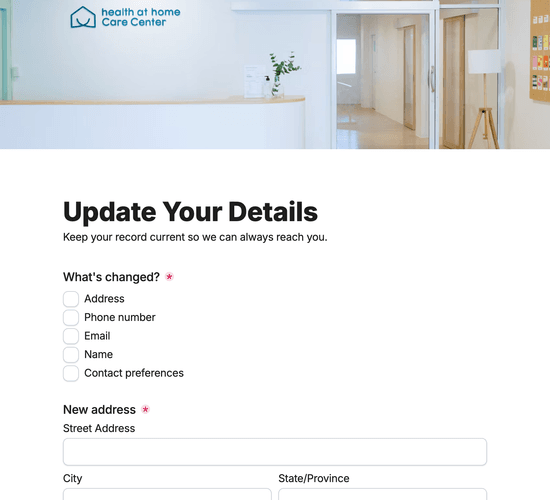
 Logo Branding
Add your own logo to your forms, emails and PDF results.
 Custom Social Share
Customise how your form appears when its link is shared.
 Custom Redirect
Redirect to your own thank you URL after form submission.
 Custom Favicon
Add your own favicon to your form's browser tab.
Sending & Configuration
 Custom Domains
NEW
Send autoresponders from your own domain.
 PDF Results
Automatically generate branded PDFs from your form results.
 Autoresponders
NEW
Send automatic replies to form respondents.
Results & Management
 Results Dashboard
View, manage and export every form result from one place.
 Project Folders
Organize your forms into projects for easier management.
 Project Members
Invite other users to your projects and build forms together.
Unlimited everything.
Build unlimited forms, collect unlimited results, and use unlimited templates — all for free.

By industry
 Legal Services
One home for every legal services form — conveyancing, family law, immigration and more, ready to customize.
 Real Estate
One home for every real estate form — commercial property, estate agents, lettings & property management and more, ready to customize.
 Healthcare
One home for every healthcare form — care homes, dental practices, gp & medical practices and more, ready to customize.
 Fitness
One home for every fitness form — calisthenics, climbing, crossfit and more, ready to customize.
 Beauty
One home for every beauty form — barbering, hair salon, lashes & brows and more, ready to customize.
 Construction
One home for every construction form — bricklaying & masonry, carpentry & joinery, demolition and more, ready to customize.
 Hospitality
One home for every hospitality form — holiday rentals, hotels & b&bs, resorts & holiday parks and more, ready to customize.
By type
Contact Forms Make it easy to reach you — customizable contact forms for any site. Booking Forms Take bookings 24/7 — customizable forms your customers can submit anytime. Registration Forms Register people fast — events, courses and programs, ready to customize. Application Forms Collect applications of any kind — jobs, memberships, programs and more. Feedback Forms Hear what people think — customizable feedback forms for any audience. Lead Forms Fill the pipeline — lead-capture forms you can embed anywhere. Survey Forms Ask the right questions — customizable surveys for any audience.Popular
Contact Form Route customer inquiries cleanly — reason, urgency and account — so messages reach the right team and get the right response. Lead Capture Form Turn social media interest into leads — service, needs and contact details — captured the moment someone’s curious. Event Registration Form Register attendees for your non-profit events online, capturing contact details, dietary needs, and volunteer interest in one friendly form. Appointment Request Form Let patients request an appointment online — preferred date, time, type and reason — so your front desk can book it fast. Job Application Form Take job applications with one clean form — contact, role, resume, availability and eligibility — ready to shortlist. Customer Feedback Form Gather customer feedback on their store visit — satisfaction, what worked and any issues — so you keep shoppers coming back. Membership Signup Form Sign up new members to your community group online, capturing contact details, membership type, and consent in one tidy form.Start from a template.
Every one is free, fully customizable and ready to embed — make it yours in minutes.







Missing an app?
Pipe submissions to 6,000+ apps with Zapier, or hit any endpoint using webhooks.
GP Online Consultation Request Form
An online consultation template for GP surgeries — symptoms, history and preferences captured, so the practice can triage a request without a phone queue.
Description
Form fields
Everything the GP Online Consultation Request Form above collects — 10 fields across 2 pages, so you can see exactly what it captures before you make it your own.
Contact the Surgery Online
What's the main problem?
Long Answer

How long has this been going on?
Dropdown
What would you like us to do?
DropdownAny of these right now?
Multi-Select
Relevant history or current medication
Long AnswerHow would you prefer we reply?
Single-Select
Your details
Patient name
Name
Date of birth
Best contact number
Telephone
Registered surgery / branch
Short Answer
 No credit card
-
Unlimited forms
-
Unlimited results
Template FAQs
Common questions about the GP Online Consultation Request Form — what it captures, when to use it, and how to make it your own.
What is an online GP consultation?
It’s a way to ask the surgery about a non-urgent problem in writing, instead of phoning. You describe the symptoms and what you need; the duty team reads it, prioritizes it and comes back by phone, message or appointment. It keeps the phone lines free for urgent calls.
What should an online consultation form include?
The main problem and how long it’s lasted, what you’d like the practice to do, relevant history and current medication, and how to reach you. A few safety questions flag anything urgent. This form captures all of it so the team can triage without a phone call.
When should I use it instead of calling?
For everyday, non-urgent problems — a lingering symptom, a question, an admin request. If you or someone else is seriously unwell, having chest pain, breathing difficulty or any emergency, call 999 or use the urgent route. The form says so clearly before you submit.
Who reviews my request?
The practice’s duty clinical team — usually a GP or senior clinician supported by care navigators. They read every submission, decide how urgent it is, and route it to the right person and timeframe. You’ll hear back the way you asked to be contacted.
Is my information kept confidential?
Yes — it goes to your registered practice and is handled under the same confidentiality and data-protection rules as any part of your medical record. Only the clinical and admin staff who need it to deal with your request can see it.
Is this consultation request form free?
Yes — it’s free with a Fun Forms account, fully customizable to your surgery’s triage process, and it embeds on your website or shares as a link, with no coding needed.
-
No credit card
-
Unlimited forms
-
Unlimited results